JumPHP IDE: write your PHP games and apps like a pro.
Completion, navigation, refactoring, Git, tests and the game running live, made for JumPHP. Free, for Windows, macOS and Linux, and the same in your browser.
Version 0.1.2 · installer without admin rights · always the latest version · All the files · Open the web IDE →

What it does
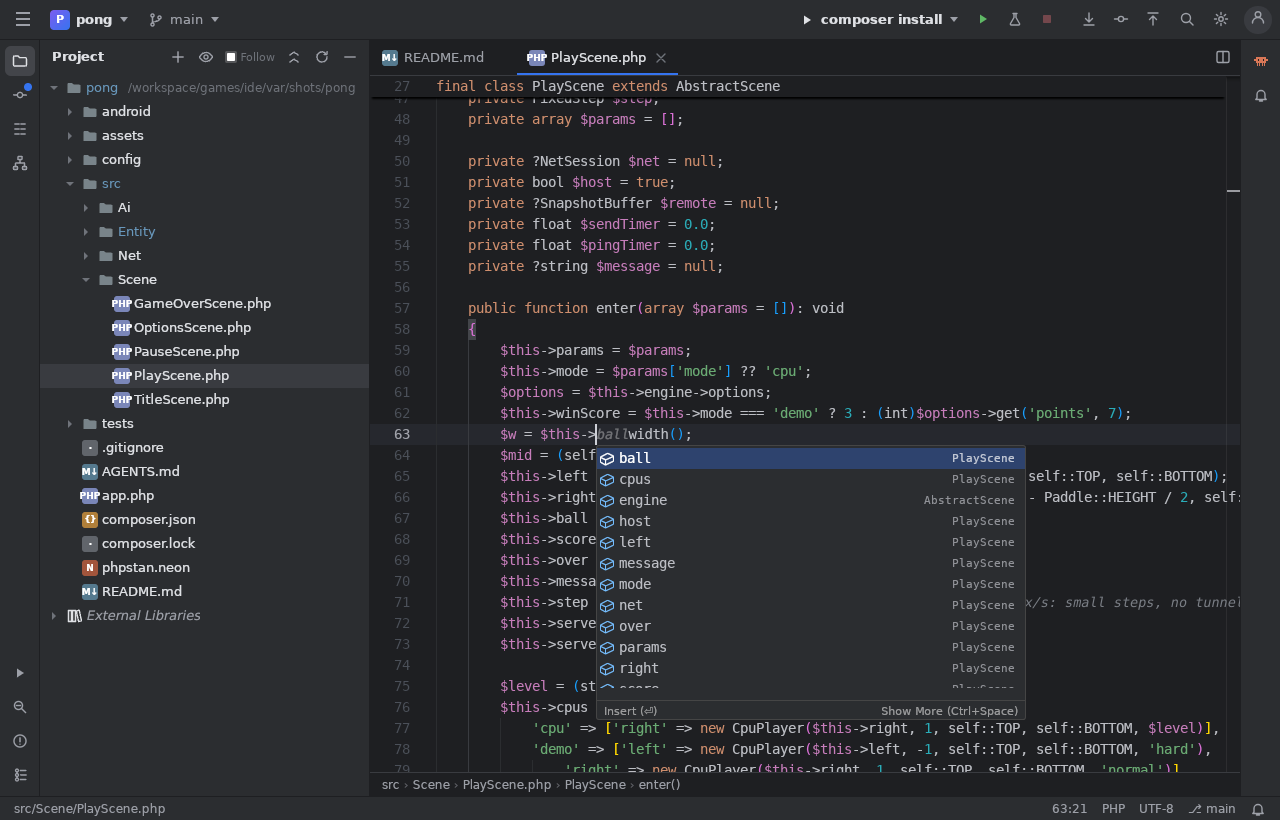
It understands your PHP
Completion with types, go to definition, find usages, rename, errors shown as you type. It knows the JumPHP engine and its SDL functions.
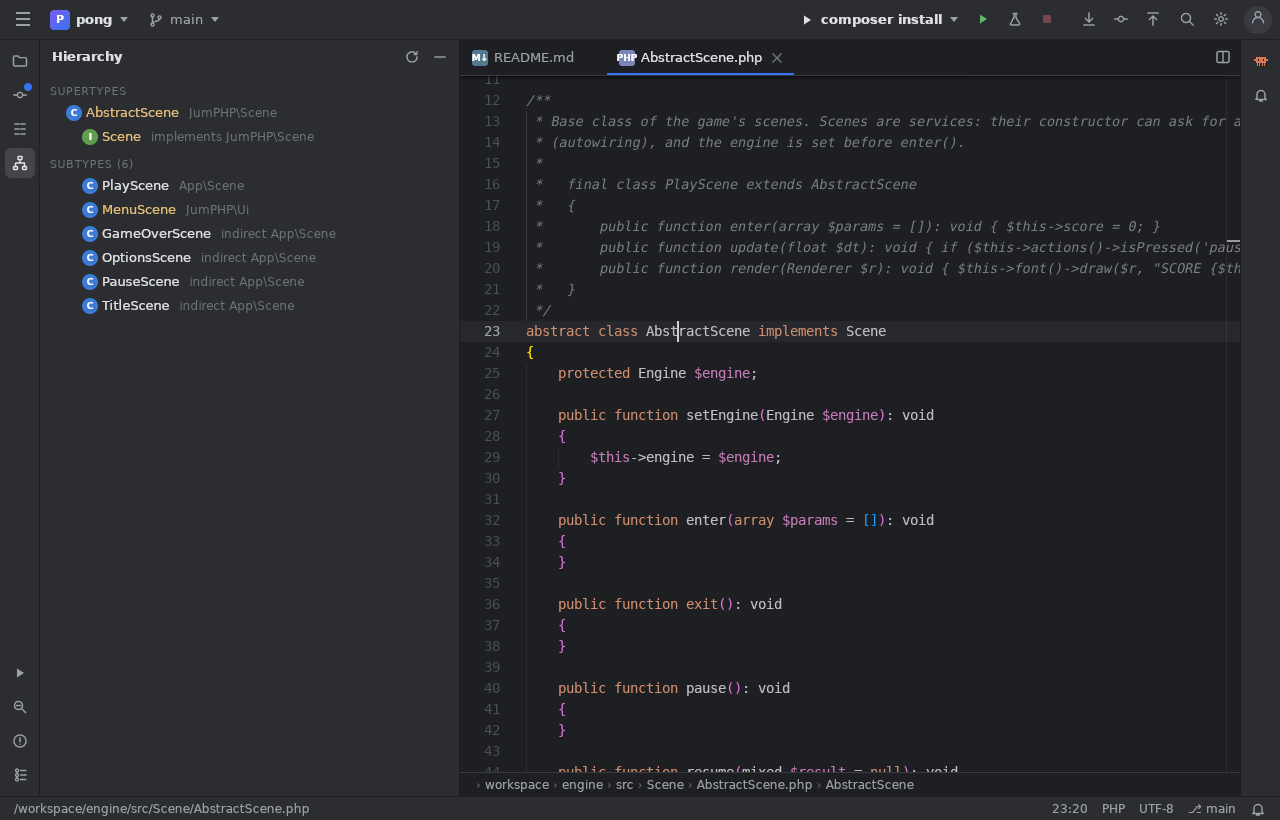
The class hierarchy
Ctrl+H: the parents and children of the class under the cursor, into the engine. Ideal to understand scenes, entities, menus.
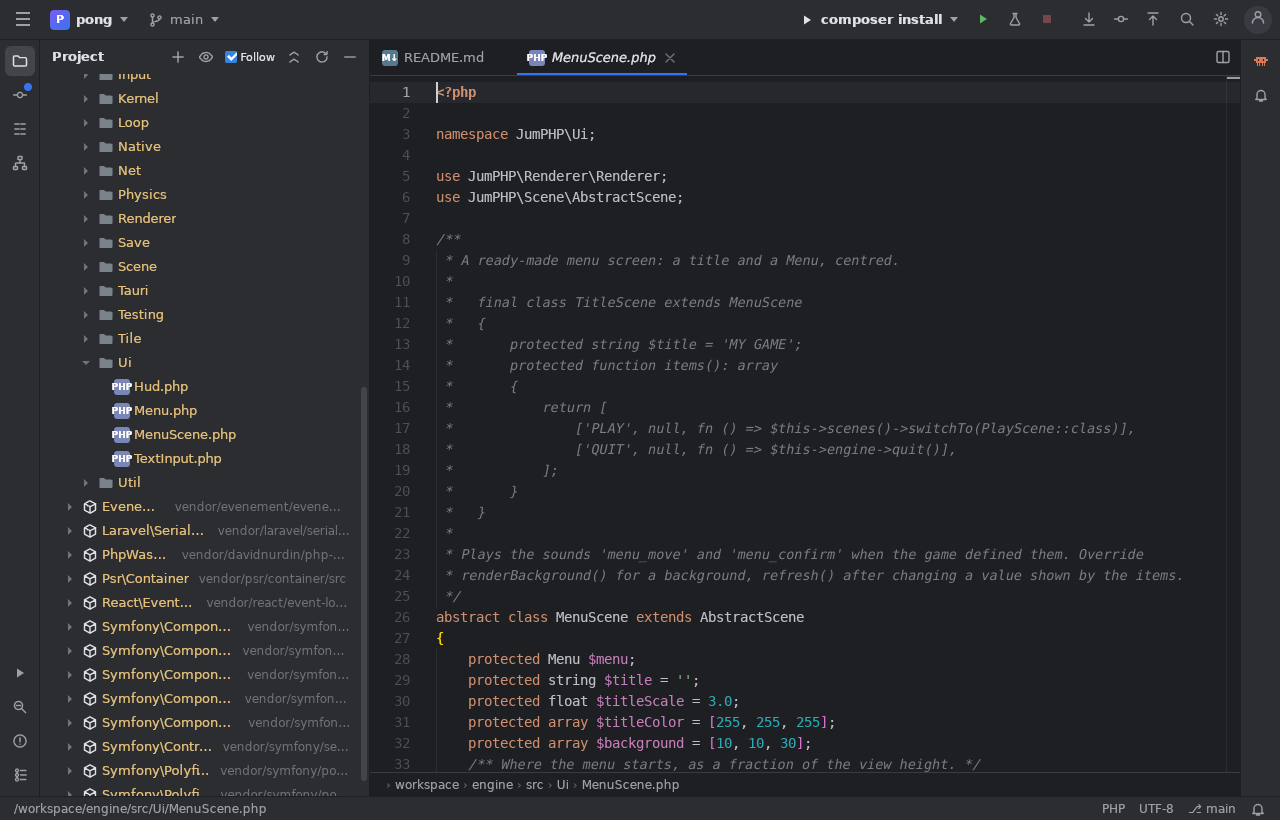
The engine at hand
The sources of JumPHP and of the Composer packages in “External Libraries”. The eye follows the open file, and the “Follow” box keeps it on.
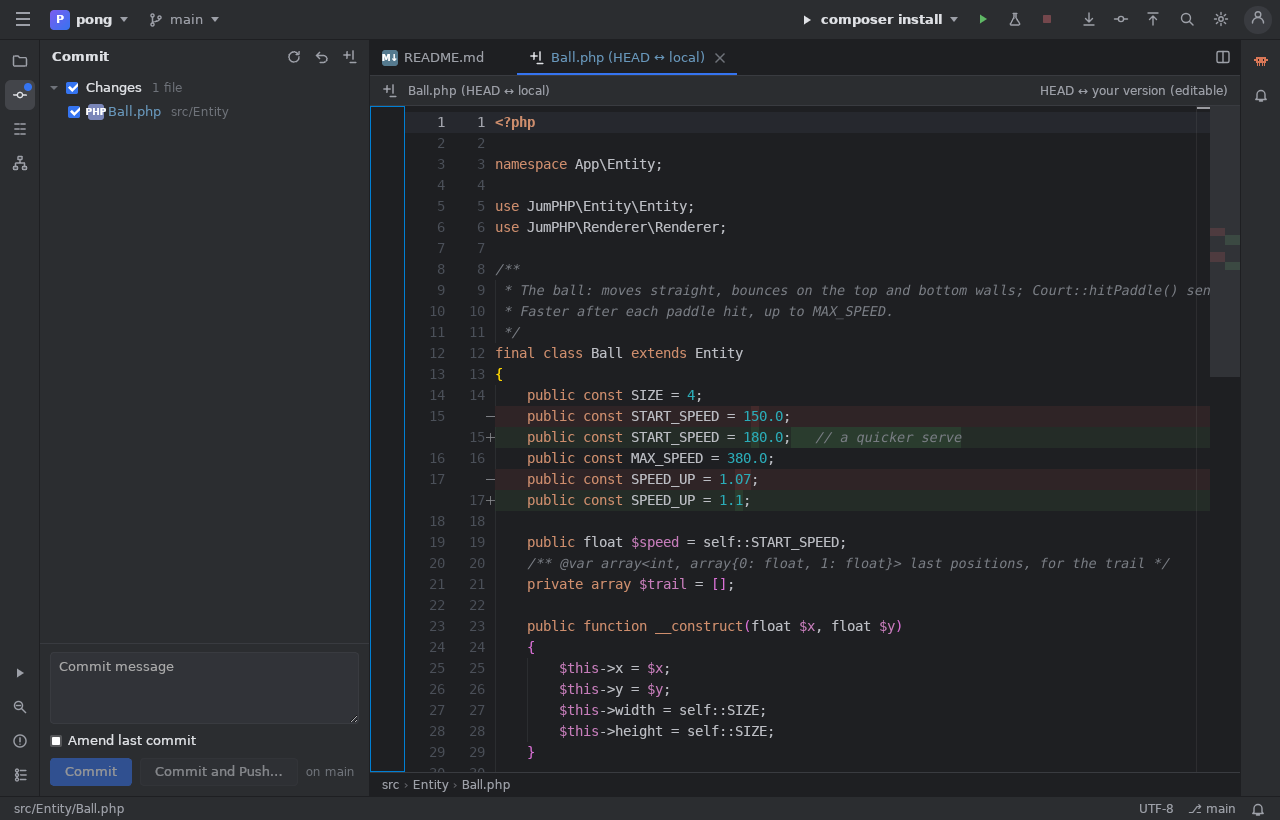
Built-in Git
Changes, side-by-side diffs, commit and push, branches, history, blame. In the web IDE, your changes are drafts published in one commit.
Run, test, play
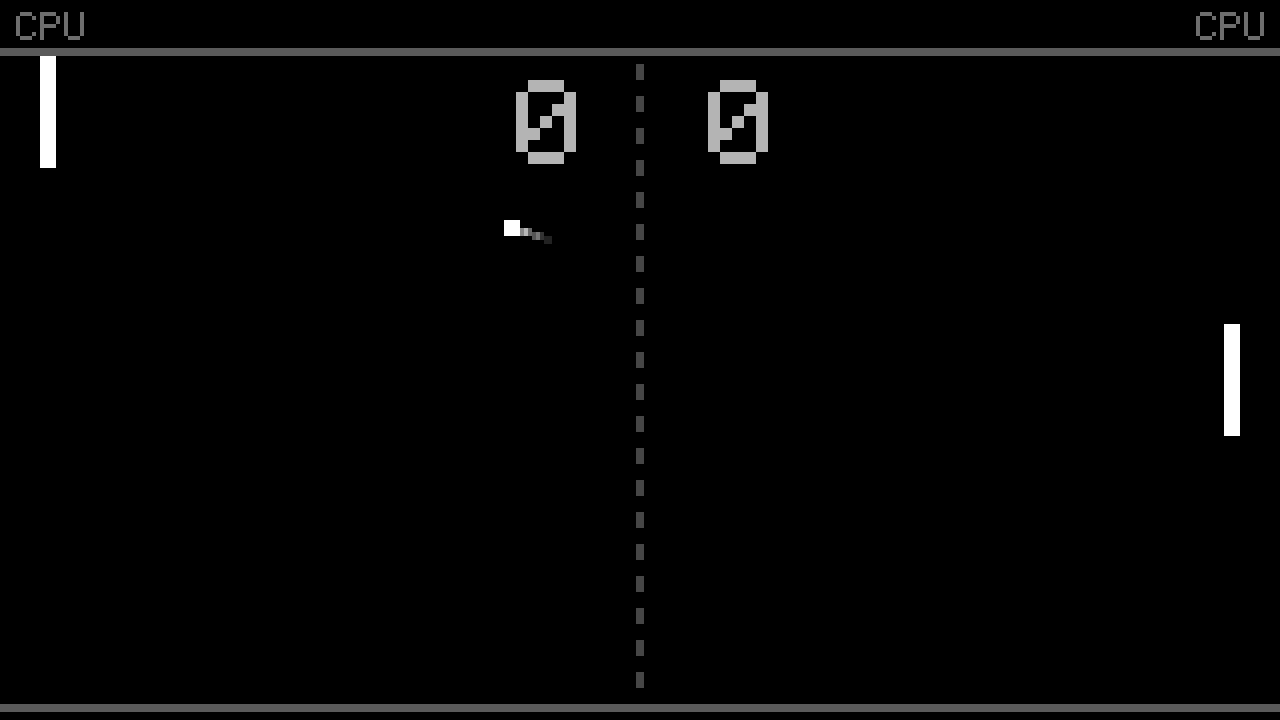
Right click, Play: a scene starts, a test file runs only its tests and shows the result. The game runs in a panel, reloaded at every save.
Your jumphp.net projects
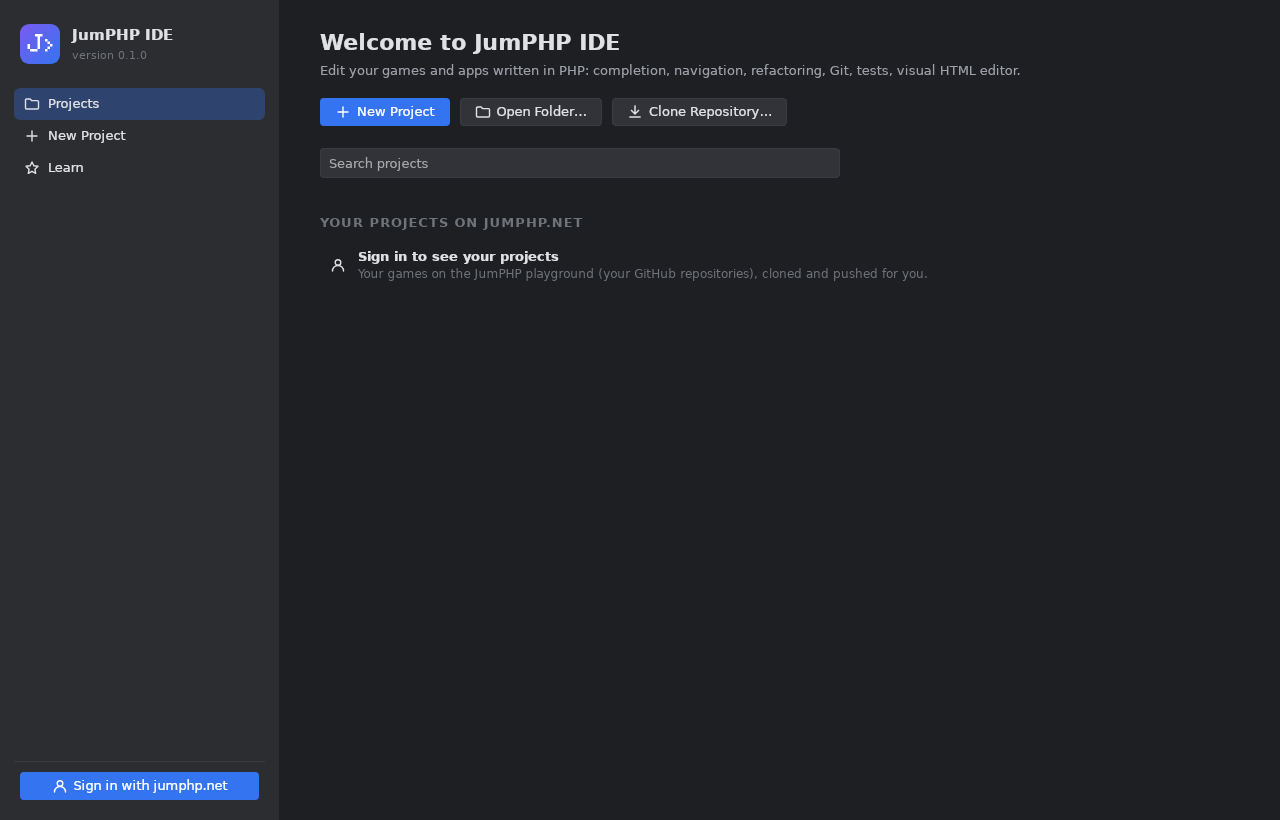
Sign in with your account: your games are cloned and pushed for you. A new game, app or Amstrad remake project in a few clicks.
The visual editor: PHP apps without HTML
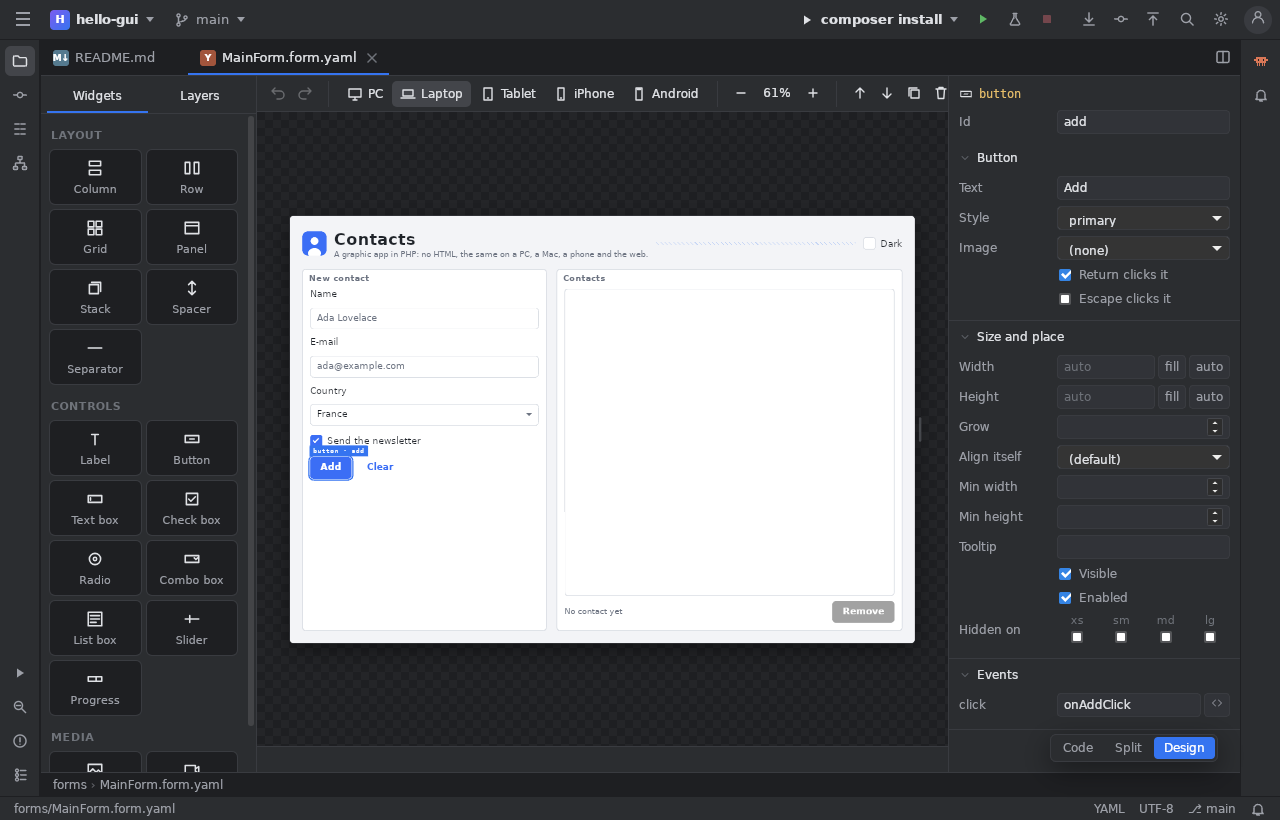
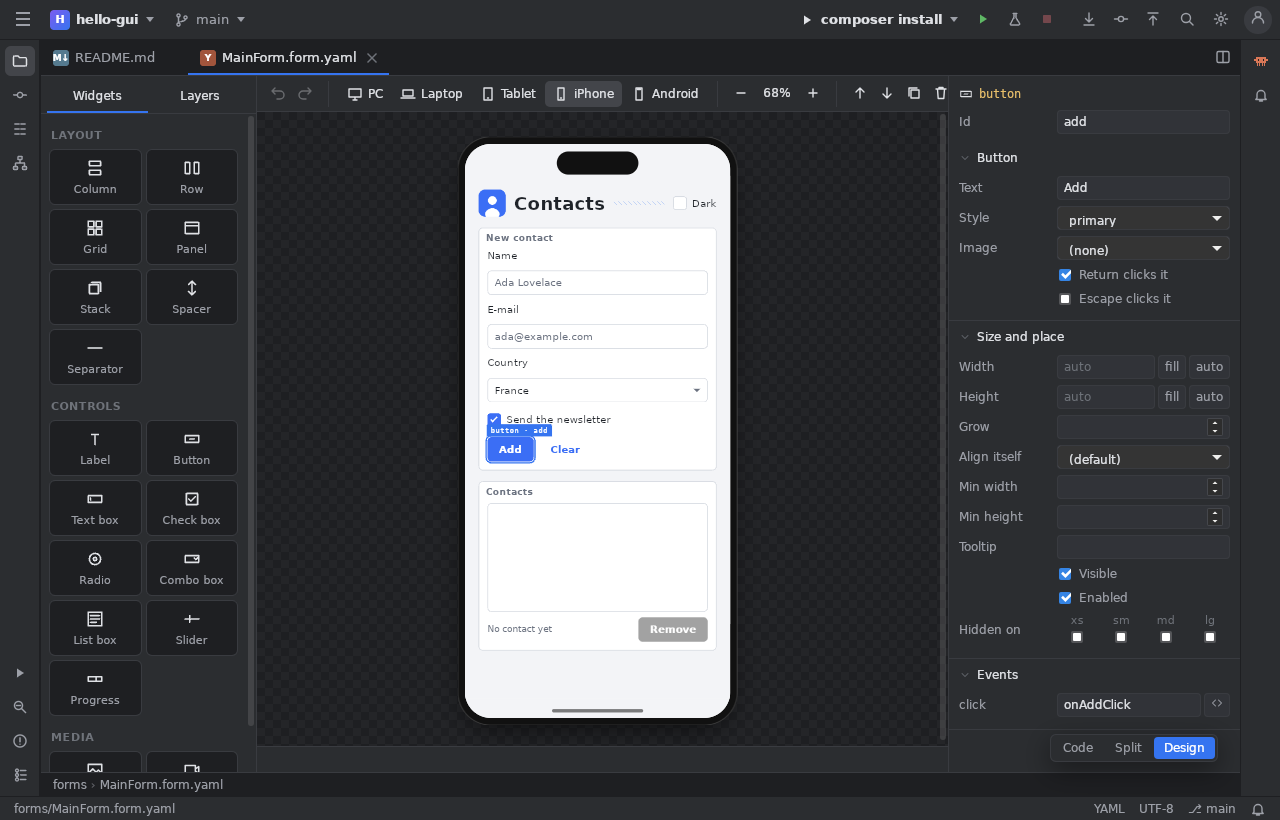
Place buttons, lists and pictures in a window, in rows, columns or a grid that adapts to the screen. A double click on a button writes its event in the PHP code. The same app runs on PC, Mac, Linux, in the browser and on phones.
Claude built in
The Claude panel talks to the Claude Code of your computer, in your project: it reads AGENTS.md, writes the game, runs the tests, and the files it changes open before your eyes. Choose the model and how hard it thinks.
In the web IDE too: your computer answers for jumphp.net, its changes become your drafts.
Tutorials
All the documentation →Install the IDE and open a project
Download, sign in to jumphp.net, create or clone a game.
Code, run and test
Completion, navigation, Play on a scene, tests, Git.
Make a graphic app
The visual editor, the grid that adapts to the screen, events, export.
Claude in the IDE
The Claude panel, its models, and the web IDE with your computer's Claude.
System requirements
- Windows 10 or 11 (WebView2, already there), macOS 12 or later (Apple silicon and Intel), Linux x86_64 with WebKitGTK 4.1 (Debian 12, Ubuntu 22.04, Fedora 39 or newer).
- Docker to run the games, tests and screenshots (bin/jumphp), Git for the projects, Claude Code for the Claude panel.
- The files are not signed yet: Windows and macOS ask for a confirmation the first time (on a Mac: right click, Open).