jumphp2installer: an installer for your software
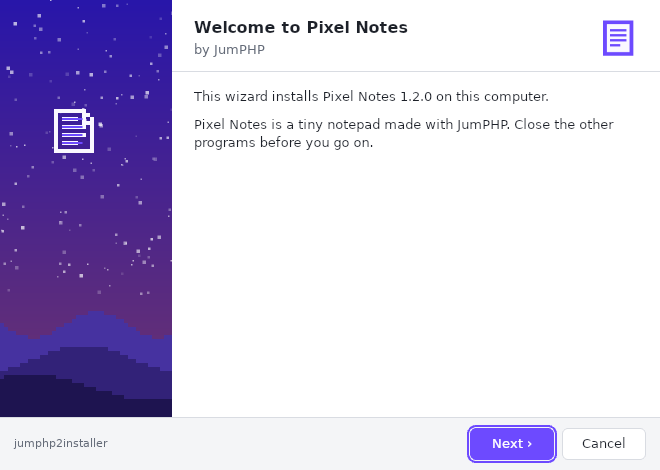
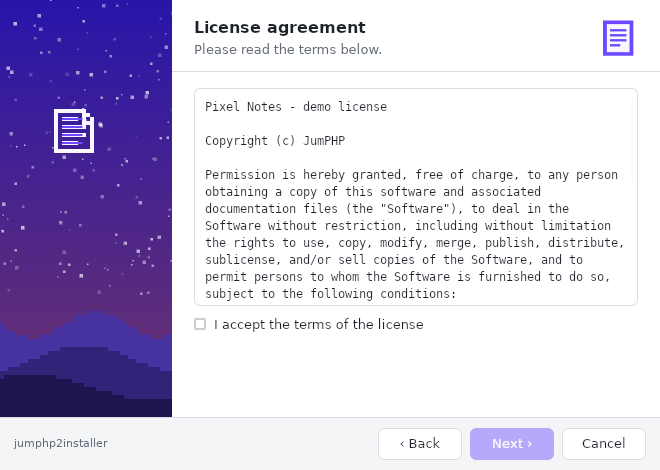
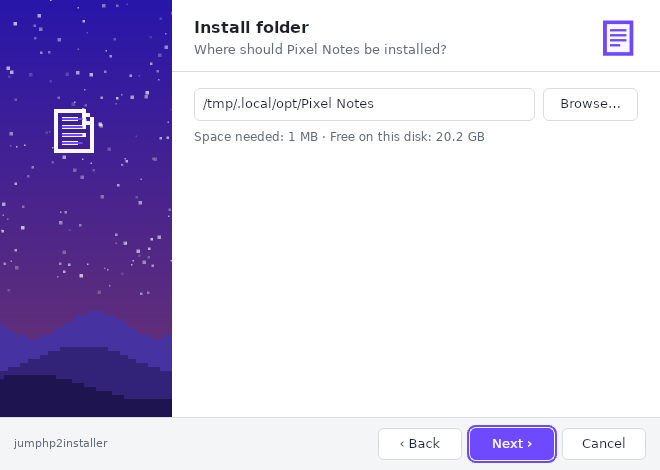
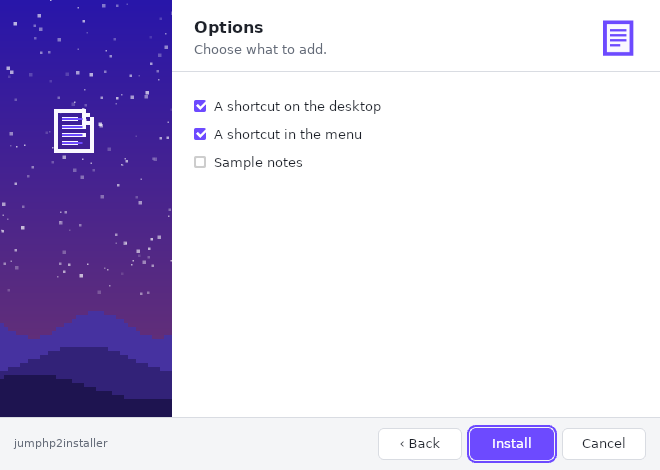
jumphp2installer makes real native installers for Windows, macOS and Linux, for your game, your JumPHP app or any software. You write a short, readable YAML script, and your users download one file. It shows them a wizard (welcome, license, folder, options), always installs the newest version and adds an uninstaller. It is free and open source: github.com/davidnurdin/jumphp2installer.
What it does
- One file per system:
My-App-setup.exe(Windows 10 and 11),My-App-setup-macos.zip(Apple silicon and Intel Macs),My-App-setup-linux-x86_64. Nothing to install first. - Always the newest version: the installer reads your script when it starts. An installer downloaded a year ago therefore installs today's version.
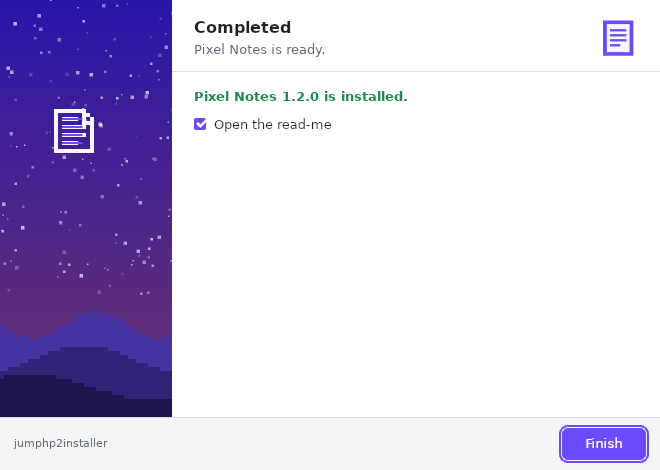
- A wizard in your colours: your name, your icon, your picture on the side, your colour, your license and your texts. In English or French, following the computer's language.
- The usual steps: download (with a SHA-256 check), unpack (
.zip,.tar.gz), copy, write a file, make executable, run a command, create shortcuts (desktop, menu). - A real uninstaller: it shows in Windows' "Apps" list and in the Linux menu. It removes exactly what the install created, nothing else.
- No administrator rights: everything installs for the user, in their own programs folder.
- From the command line too:
--silentinstalls without a window (deployments, scripts, CI).
The install script
An install.yaml file says what the installer shows (pages) and what it does (steps). The same script
works on the three systems: variables ({folder}, {platform}, {exe}…) and the os: key take care of the
differences.
app:
  name: My App
  publisher: Me
  website: https://example.com
  icon: icon.png
  banner: banner.png          # the picture on the left of the wizard (172 x 420)
  accent: "#2f6fed"

version:
  github: me/my-app           # the newest GitHub release gives {version}

pages:
  - welcome
  - license: LICENSE.txt
  - folder: "{programs}/{app}"
  - options:
      desktop: A shortcut on the desktop
  - install
  - finish: {run: "{folder}/my-app{exe}"}

steps:
  - download: https://github.com/me/my-app/releases/download/v{version}/my-app-{platform}.zip
  - extract: {strip: 1}
  - executable: "{folder}/my-app"
    os: [linux, macos]
  - shortcut: {target: "{folder}/my-app{exe}", where: desktop}
    if: desktop
  - uninstaller
The pages
| Page | What it shows |
|---|---|
welcome |
a welcome text (default: "Welcome to the installation of {app} {version}") |
license |
a file of the package, to accept before going on |
folder |
the folder, with "Browse…", the space needed and the free space; warns when the folder is already used |
options |
check boxes, used again by the steps (if: desktop) |
install |
the progress bar and the details |
finish |
the end, with a "Start {app}" box (run, which may differ per system) |
The steps
| Step | |
|---|---|
download |
an address, or a file of the package; sha256 stops everything if the file is not the right one |
extract |
unpacks into {folder}; strip: 1 drops the archive's top folder |
copy, mkdir, write, delete |
files and folders (delete only touches the install folder, the user's folder and the temporary folder) |
executable |
makes a file executable (Linux, macOS) |
shortcut |
desktop, menu or both: .lnk on Windows, .desktop on Linux, a link on macOS |
run |
runs a command in the folder |
uninstaller |
installs the uninstaller and registers it with the system |
Every step accepts if: (a checked option, or "!option"), os: (windows, macos, linux) and label:.
The version
| Written | {version} |
|---|---|
version: 1.4.0 |
fixed |
version: {github: me/my-app} |
the repository's newest release (its tag, without the v) |
version: {latest: https://…/latest.json} |
what the address answers: {"version": "1.4.0"} or plain text |
The variables
| Variable | Windows | Linux | macOS |
|---|---|---|---|
{programs} |
%LOCALAPPDATA%\Programs |
~/.local/opt |
~/Applications |
{desktop}, {menu} |
desktop, Start menu | desktop, ~/.local/share/applications |
~/Desktop |
{platform} |
windows-x86_64 |
linux-x86_64 |
macos-arm64 / macos-x86_64 |
{exe} |
.exe |
(empty) | (empty) |
{folder}, {app}, {version}, {home}, {temp}, {os}, {arch}, {download} |
The full reference is in docs/installer/script.md.
Three ways to publish it
1. On jumphp.net, with nothing to install
In the studio, "New installer" opens an editor:
- the YAML script is checked as you type (each error with its line);
- a preview of the wizard updates beside it;
- you drop in the pictures, the license and the package's small files.
When you publish, the installer gets its download page and its three links, one per system. Until it is published, only you can try it.
2. In GitHub releases, with no server
The package (install.yaml and its files) and its installers are attached to each release of your repository. The
installers read the newest release, so there is nothing to change from one version to the next. A workflow does
it at each release:
# .github/workflows/installer.yml
on:
  release:
    types: [published]
jobs:
  installer:
    uses: davidnurdin/jumphp2installer/.github/workflows/package.yml@main
    with:
      folder: installer        # install.yaml and its files
    permissions:
      contents: write
You can also do it by hand, from a clone of jumphp2installer:
tools/github-release.sh me/my-app installer. Your links:
https://github.com/me/my-app/releases/latest/download/My-App-setup.exe.
If your repository releases several products (v* tags for one, ide-v* for another), the "newest release" may
belong to the other product. In that case, serve the package from the repository's files
(https://raw.githubusercontent.com/…/installer/), with a version.json beside it. That is what
JumPHP IDE does.
3. On your own server
jumphp2installer's server is a Symfony + MariaDB app, in Docker (server/ in the repository): accounts, editor,
preview, download pages and statistics. One docker compose up -d starts it. A plain static web page can serve as
a server too (a folder with install.yaml and its files):
php tools/package-release.php my-package/ https://my-site.com/installer/ bases/ out/
For a JumPHP game or app
bin/jumphp app:export my-app --windows --macos (or export:standalone for a game) makes one executable per
system. Attach them to a release, then use
the jumphp-app.yaml example.
Your Claude knows how: ask it "make an installer for my game" (the repository has a jumphp2installer skill).
From the command line
My-App-setup-linux-x86_64 --silent --folder=/opt/my-app --no-option=desktop
My-App-setup.exe --silent
"C:\…\My App\uninstall.exe" --uninstall --silent
jumphp2installer-linux-x86_64 --check --script=install.yaml      # check a script
jumphp2installer-linux-x86_64 --script=install.yaml              # try the wizard with a local script
jumphp2installer-linux-x86_64 --make=My-App-setup.exe --server=github:me/my-app --from=jumphp2installer-windows-x86_64.exe
How it works
The installer is itself a JumPHP app: an HTML page for the wizard, PHP for the work, and StaticPHP's standalone PHP. The package's address is written into the executable's embedded php.ini, at a constant size. A server can therefore make an installer for each package in a fraction of a second, with nothing to compile. Downloads and unpacking move a little at each frame: the window never freezes. Before each version, GitHub Actions tries the installer for real on Linux, Windows and two Macs (Apple silicon and Intel): install, shortcuts, uninstall entry, then uninstall.
Limits
- The installers are not signed: Windows SmartScreen and macOS Gatekeeper warn the first time (on a Mac: right click › Open).
- Per-user installs only (no Program Files, services or file associations).
- No Linux ARM, no phones.
- On Windows, start it by its long path, never by an 8.3 short name (
C:\Users\RUNNER~1\…).