This documentation
The IDE carries its documentation with it: it works offline, in the exported executable as in the IDE run from its sources.
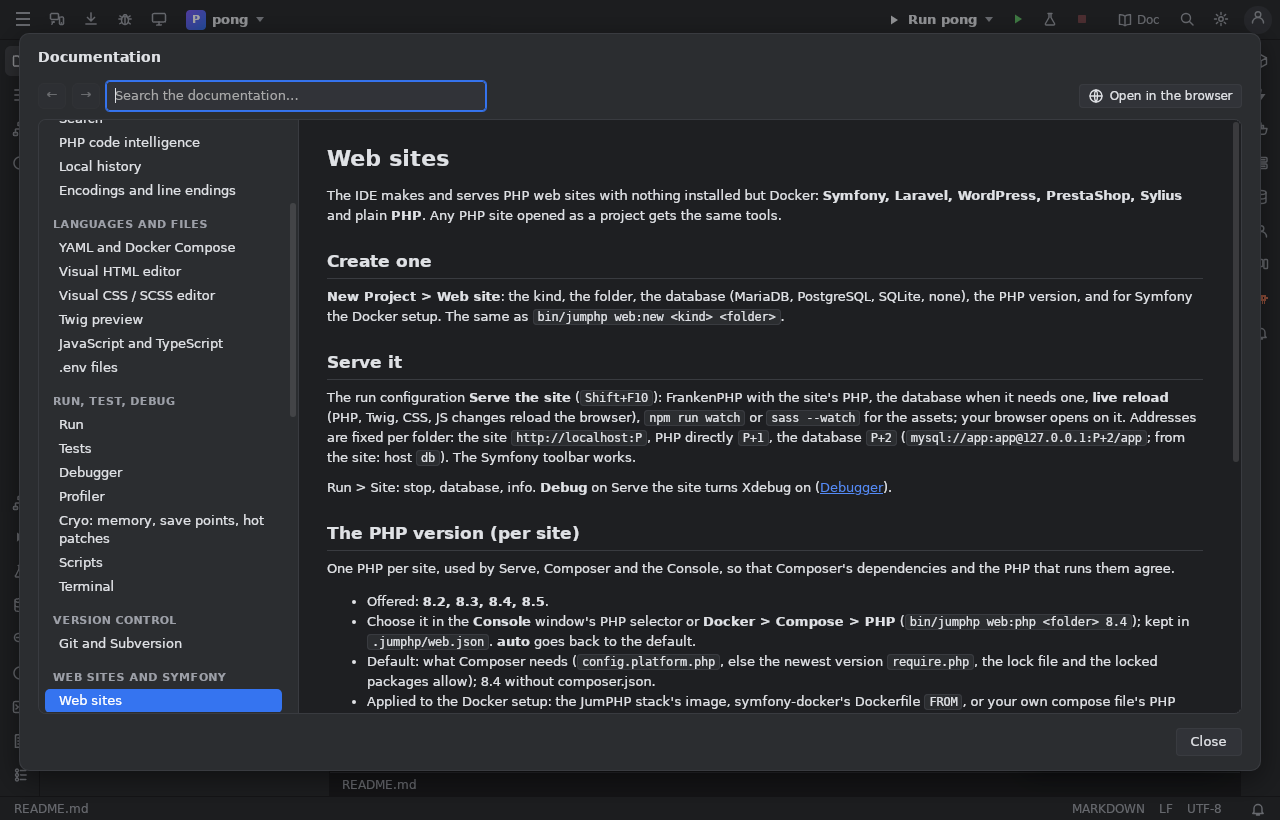
Open it
- the Doc button at the top right of the IDE;
- Help > Documentation;
- Search Everywhere (Double Shift) or Find Action (
Ctrl+Shift+A): "Documentation"; - the ? in the header of a tool window: that window's page.
Read
- Left, the table of contents, grouped (Editing, Languages, Run, Web sites…). Pages marked soon describe features being built.
- Right, the page: pictures, code, tables. Links to other pages open them here, links to the web open your browser.
- ← / → (or
Alt+←/Alt+→): the pages seen before and after. - Open in the browser: the same page on jumphp.net.
Search
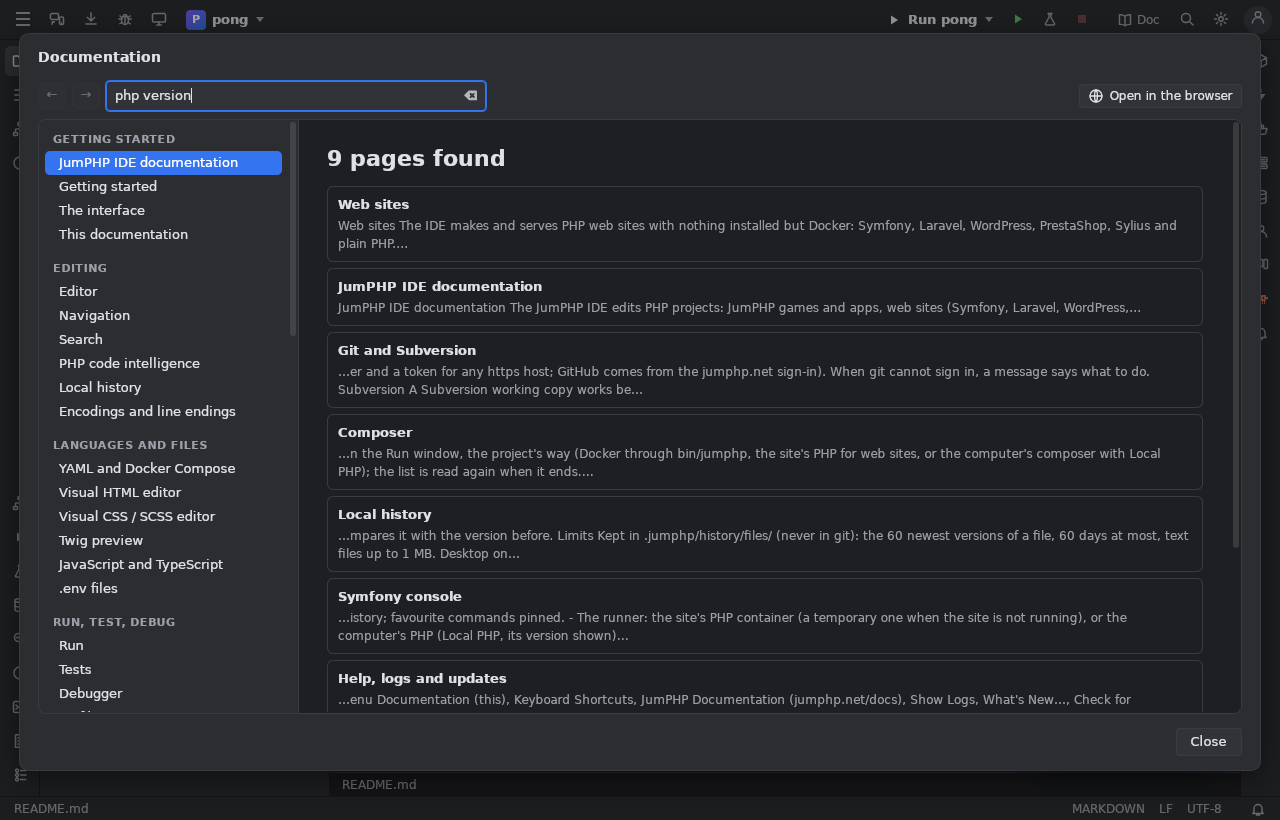
Type in the search box: every page that has all the words, the best first (a word of the title counts most), with the text around
the first one. Accents and case are ignored; "two words" looks for them together. Enter opens the first result, Escape
clears the search.
Language
The pages follow the IDE's language (Settings > Language). A page not translated yet shows in English, with a note.
Write the documentation
The pages are the Markdown files of docs/ide/ in JumPHP's repository (English), translations in docs/ide/<language>/, pictures in
docs/ide/images/, the table of contents in docs/ide/toc.json. node --test ide/ui/js/docs-model.test.mjs checks that every page
of the table exists and every link and picture leads somewhere. The IDE's build copies the folder into the IDE (ui/docs).