JumPHP IDE documentation
The JumPHP IDE edits PHP projects: JumPHP games and apps, web sites (Symfony, Laravel, WordPress, PrestaShop, Sylius, plain PHP)
and any PHP code. It runs on your computer (an executable for Linux, Windows and macOS) and on the web (jumphp.net/ide),
with the same interface. It is written in PHP, with Monaco (the editor of VS Code) for the code.
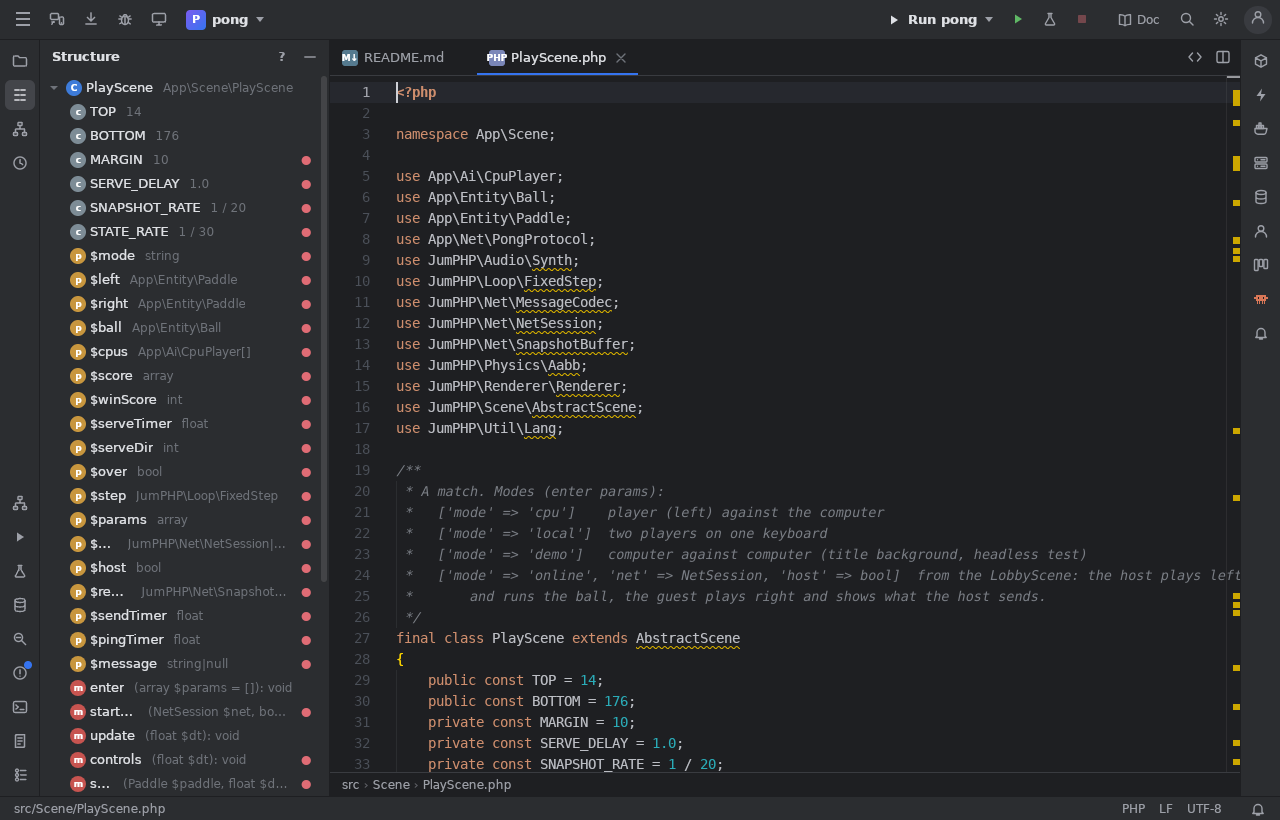
This documentation has one page per feature. Open it from the Doc button at the top right of the IDE, from Help > Documentation or from Search Everywhere ("Documentation"); the ? of a tool window opens its page.
Where to start
- Getting started: sign in, open or create a project, the quick editor.
- The interface: the tool bar, the tool windows, the menus, the status bar, the shortcuts.
- Editor and Navigation: what the code editor does and how to move around a project.
- Symfony tutorial: learn the IDE step by step on a test project, with a guide panel and a ghost mouse. Start it now.
Every feature
| Group | Pages |
|---|---|
| Editing | Editor, Navigation, Search, PHP code intelligence, Local history, Encodings and line endings |
| Languages and files | YAML and Docker Compose, Visual HTML editor, Visual CSS / SCSS editor, Bootstrap editor, Twig preview, JavaScript, .env files |
| Run, test, debug | Run, Tests, Debugger, Profiler, Cryo: memory, Scripts, Terminal |
| Version control | Git and Subversion |
| Web sites and Symfony | Web sites, Composer, Symfony console, Command wizards, Symfony events, Messenger, Symfony forms, Doctrine, Validation and security, HTTP client, Security audit, API Platform |
| Databases | Database |
| Docker and servers | Docker, SSH |
| Games and apps | Games, Resource editors, Form designer, Amstrad CPC, Plugins |
| AI | Claude and OpenCode, AI in the editors |
| Project and team | Board, Publishing, Sharing and community |
| Settings and help | Settings, Help, logs and updates, This documentation, Interactive tutorial |
Pages marked soon in the table of contents describe features still being built.
For developers of the IDE
How the IDE is made (its PHP core, the desktop app, the web IDE, its commands, releases and code updates) is in docs/ide.md of JumPHP. Plugins: docs/ide-plugins.md.